
RAG Builder is now available to everyone, with a brand-new Data Source board
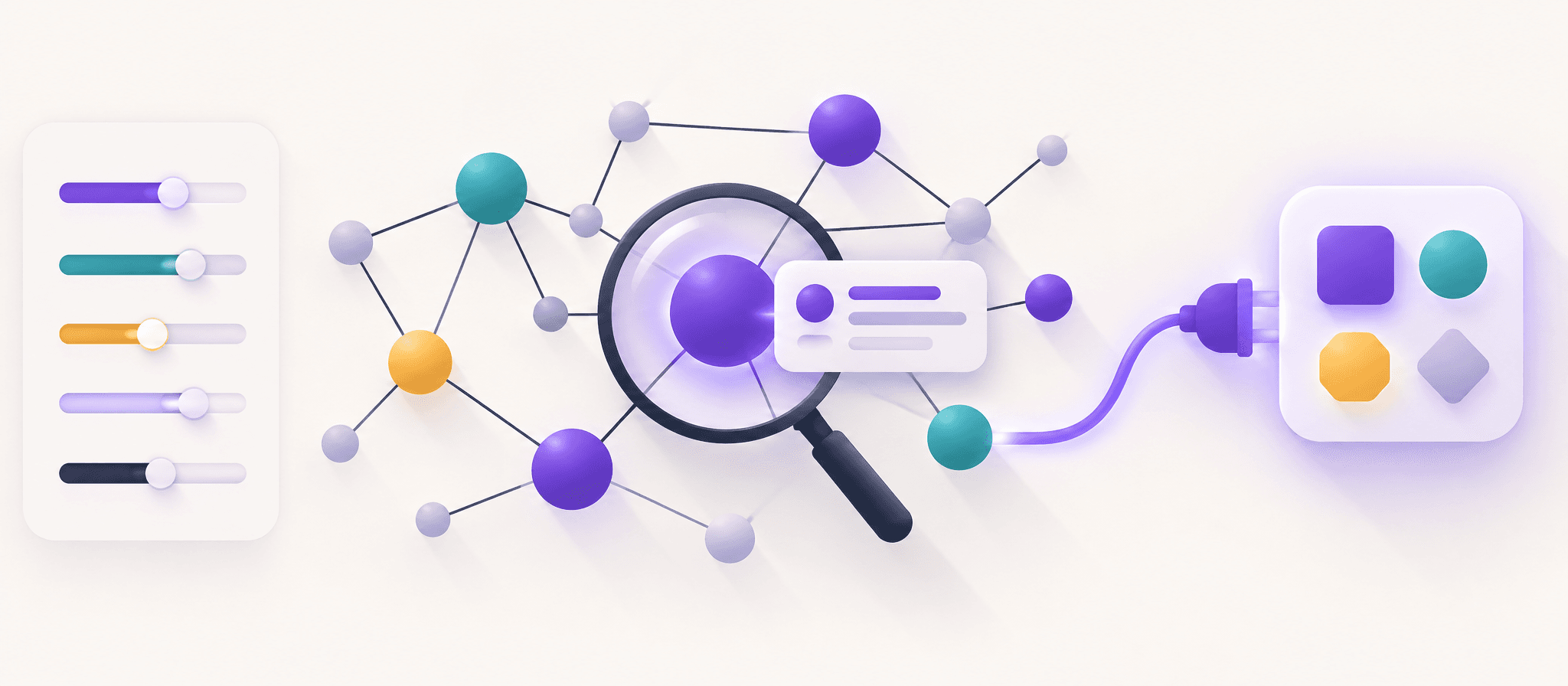
The Context Layer is no longer admin-only. A full UI/UX redesign introduces the new Data Source board, live progress, document preview, and a smoother build flow.

PRODUCT UPDATE
RAG Builder is now available to everyone, with a brand-new Data Source board
The Context Layer is no longer admin-only. A full UI/UX redesign introduces the new Data Source board, live progress, document preview, and a smoother build flow.
What changed
For the last few releases, the RAG Builder — the place where you assemble the Context Layer that powers your RAG and GraphRAG — was an admin-only surface. That made sense while we were iterating, but it meant most of you couldn't see or shape the context your system actually runs on.
Starting today, the RAG Builder is available to every account. No admin role required.
The new Data Source board
The primary goal of this release was a UI/UX overhaul built around one idea: make your data sources first-class.
The redesigned RAG Builder opens with a Data Source board — a single, scannable view of everything feeding your context layer:
- Every source at a glance — documents, uploads, and connectors listed in one place with their current status
- Live progress — a real-time progress bar shows exactly where each source is in the build pipeline, so you stop guessing
- Document preview panel — open any source and preview its content (including a rebuilt PDF viewer) without leaving the board
- Consistent settings — settings now behave the same way across every step, so there's no more "which tab holds which setting"
A redesign for the whole app
The RAG Builder changes are part of a broader redesign of the entire application. We reworked layouts, spacing, and visual hierarchy across the product so the new Data Source board feels native rather than bolted on. If you log in and things look a little different, that's intentional.
Getting started
- Open your RAG project in the dashboard
- Go to the RAG Builder — it's now visible to all roles
- Explore the Data Source board — review your sources, watch the build progress, and preview documents
What's next
We're continuing to invest in the Context Layer. On the roadmap: smarter source recommendations, batch operations across the Data Source board, and tighter integration with the RAG Assistant.
Open the RAG Builder nowMore Articles
Introducing GraphRAG: Knowledge Graphs Without the Manual Labor
Our new graph extraction engine discovers entities, relationships, and domain structure automatically — no ontology design required.
February 5, 2026
Meet Your New RAG Assistant
Manage your RAG project with natural language — configure settings, test queries, and get answers from your knowledge base.
June 18, 2026